
Getting started, stage 3: how do I create our first piece?
This is part of the Clinical Content System subscription. If your clinic isn't subscribed yet, you can see what the Clinical Content System includes.
Sound familiar?
"Our plan has unlocked. Now what?" "Which piece should we write first?" "What's the clinical insight question?" "Do we need to do anything to our website first?" Stage 3 takes you from an unlocked plan to your first finished piece.
What's happening
Your content plan is in the order that will help your clinic most, so you start at the top. You press Write it for me, choose the author, answer one clinical insight question and choose a reviewer, and the system researches and writes the piece. If your website is on WordPress, this is also the moment to connect it, so your first piece can go live in one click.
Why it works this way
The plan has already done the hard part: working out which pieces will make the biggest difference, for which clinician, in what order. Your part is the bit no research can produce: your clinician's own clinical insight. It's one of the things that makes every piece unmistakably yours ✨.
What to do now
Step 1: write your first piece (about 10 minutes of your time)
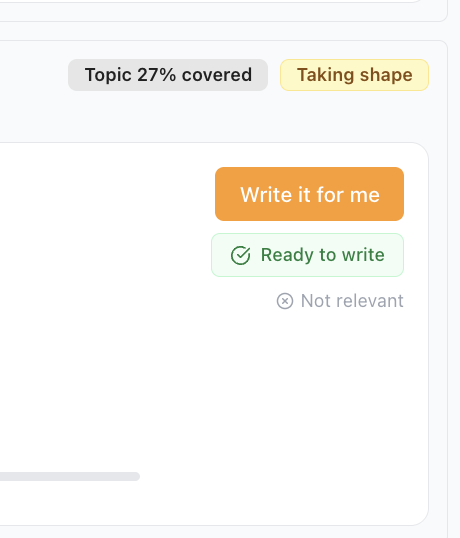
- Open your content plan and press Write it for me on the top piece.
- Author: we suggest one from the expertise we know about. Change it if you like, but check their profile supports the topic.
- Clinical Insight: we ask the author one targeted question. A few sentences in their own words is all it needs: what they usually see, a mistake patients often make, an anonymised example. Please don't skip it. If someone else is creating the piece, press Send to author by email, and the author answers from their email, no sign-in needed.
- Peer reviewer: choose a second clinician. Who it is matters less than having one.
The piece is written in the background and appears in your Content Studio when it's ready.
Step 2: connect your website (WordPress)
- Open your Getting Started window and go to "Tell us where your content should live on your site". Match each kind of page we write to a section of your website. It takes a minute.
- Download the plugin from your Website Optimisation Brief ("Co-Kinetic Pages set-up" tab) and install it with the setup guide next to the button. Or press Invite your developer so whoever looks after your website can do it.
Not on WordPress? No problem: each piece has its own step-by-step instructions for putting it on your site. See "I'm not on WordPress. How do I get my content onto my site?".
That's stage 3 done ✅: your first piece is written and your website is ready for it.
What's next: stage 4
Getting it live. See "Getting started, stage 4: how do I publish and keep going?".
The question behind the question
"What's left for me to do, if the system writes it?" Three things: choose what gets written (the plan makes that easy), give the insight only your clinician has, and approve the result.
The next question is usually...
- Getting started, stage 4: how do I publish and keep going?
- How is a piece of content actually written?
- What happens once my content plan unlocks?
- Where do I download the WordPress plugin?
- Why do I need a reviewer at all?
Still stuck? This usually means...
- Nothing happened when you pressed Write it for me. See "The "Write it for me" button isn't working. What should I do?".
- The piece hasn't appeared. It's written in the background. If a day passes with no piece, ask Coki.
- The plugin won't download. Map every website section first; the download follows.